
Click the Mobile App Preview button  to trigger a preview of the app.
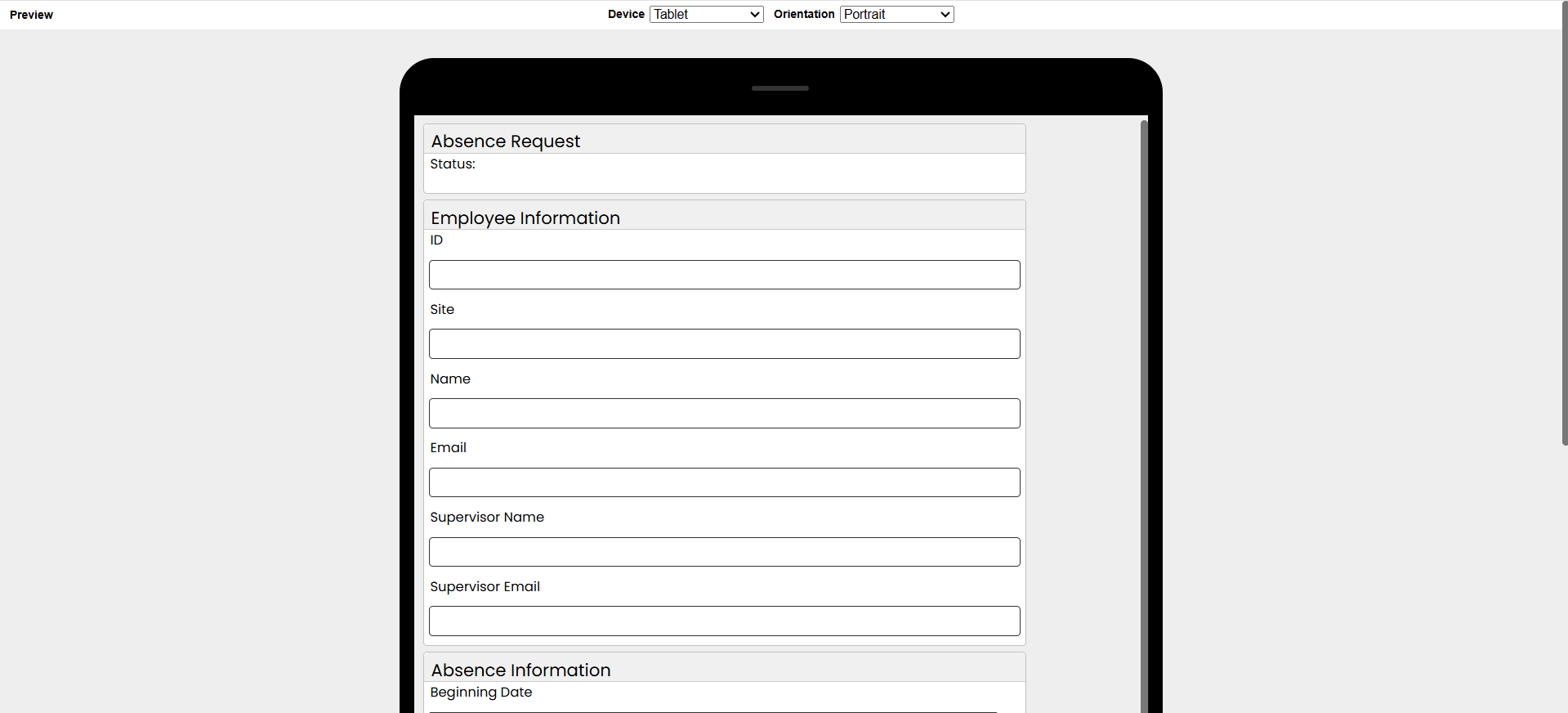
Choose the Device and Orientation options from the top of the screen to view the different scenarios.
|
Preview the Mobile App Design (1 min) |
From the mobile wizard, you can get an indication of how the app will look on a phone or tablet and in portrait or landscape mode. Watch this to learn more. |

See also: Mobile App Layout
Return to: Mobile Design

