
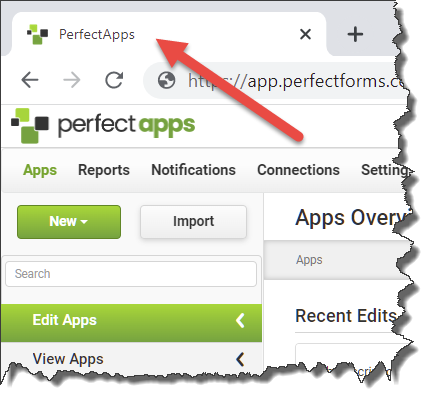
You may find that you want to customize the name that shows on the Internet Browser tab when working in the PerfectApps application. To do this, follow the steps below.
 |
To change the name on the Internet Browser tab, the On-Premise application must first be unbranded. For instructions on un-branding, see the Removing the PerfectApps Logo topic in this Help Guide. |
|

1.Open main.html / player.htm found in the PerfectApps installation folder (typically, C:\\Program Files\PerfectApps) in Notepad. 2.Towards the top you will find <title>PerfectApps</title>. Edit the name, being careful not to remove the brackets. |
See also: Displaying a Custom Logo on the User Interface
Return to: Customizing the PerfectApps Application, Administering PerfectApps On-Premise, PerfectApps On-Premise

