
The Help Center is a dialog that is automatically presented when the App Designer or Report Designer is opened. The Help Center provides a portal for help guides, quick-start information and training videos.
To enable the Help Center dialog, select the Help Center Enabled check box on the Settings page of the Administration Console.
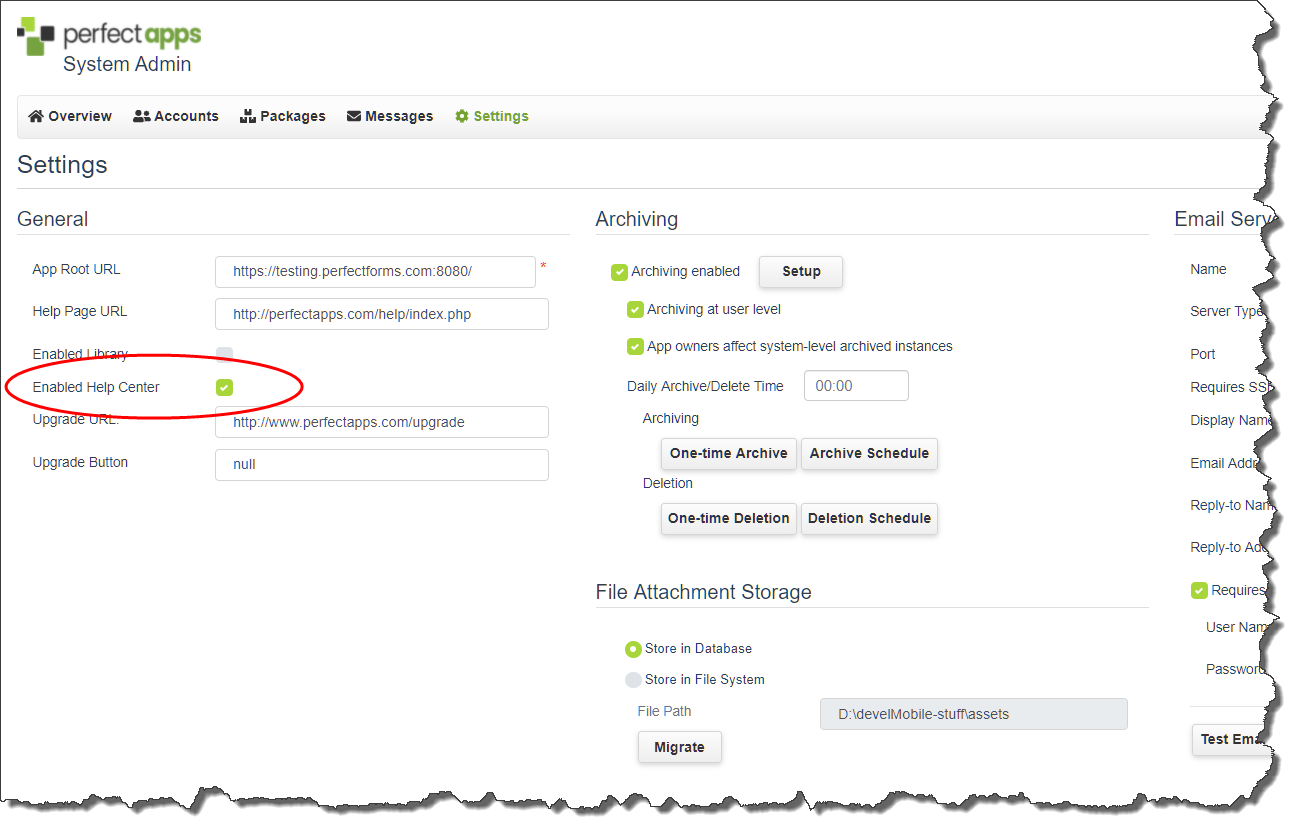
|
Users can individually turn off automatic Help Center loading by clearing the Show at Startup check box. They can also load it manually using the View menu option in the App Designer and Report Designer. If this setting has been disabled, however, users will not be able to load the Help Center option, even from the View menu. |

See also: Administering Archiving Settings, File Attachment Storage
Return to: Settings, Administering PerfectApps On-Premise, PerfectApps On-Premise

