
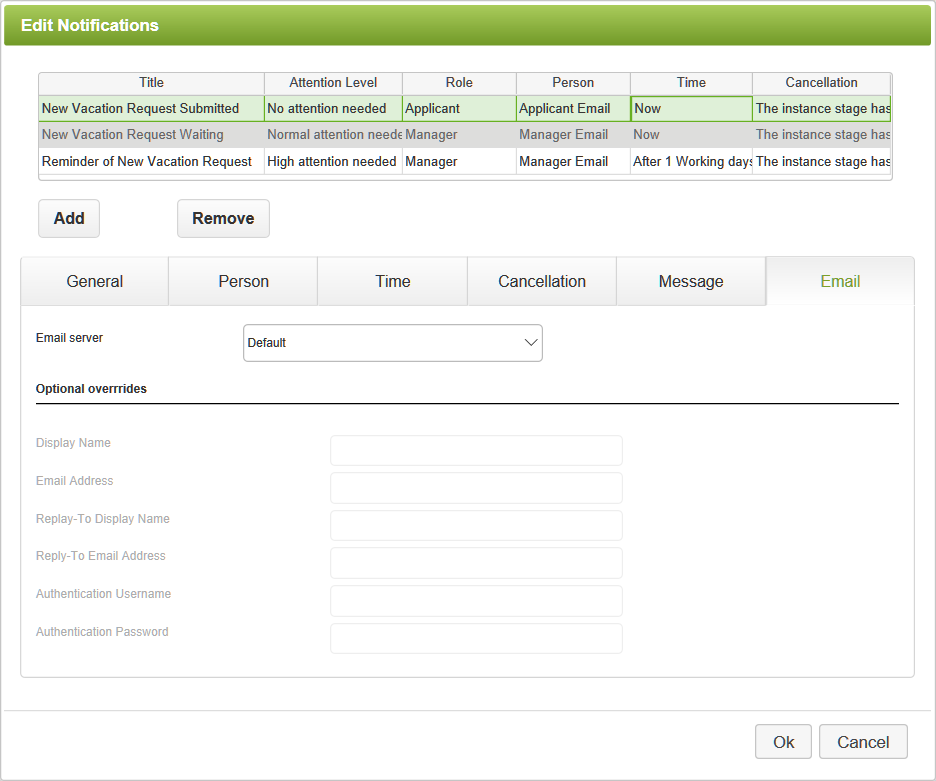
The Email tab allows you to control which email server will send the email for this notification. Optionally, you may override the configuration of the selected email server here. Options on the Email tab include:
•Email Server - This list contains the default and any available account-level email server resources. The default server will be the email server account resource marked Use as Default, or, if no default email server exists at the account level, the default will be the system-wide email server.
•Optional Overrides - Any settings entered here will override the email settings for the selected server. Note that the addresses and authentication overrides must be valid for the selected email resource's SMTP server configuration.
See also: Dashboard or Email Notifications
Return to: Setting Notifications, Reminders, Escalations, Designing an App

