
Use the preview function to run a report without publishing it.
|
Use the preview function to see your report: |

1.On the menu bar in the Report Designer, select Report > Preview. PerfectApps launches the report preview page. 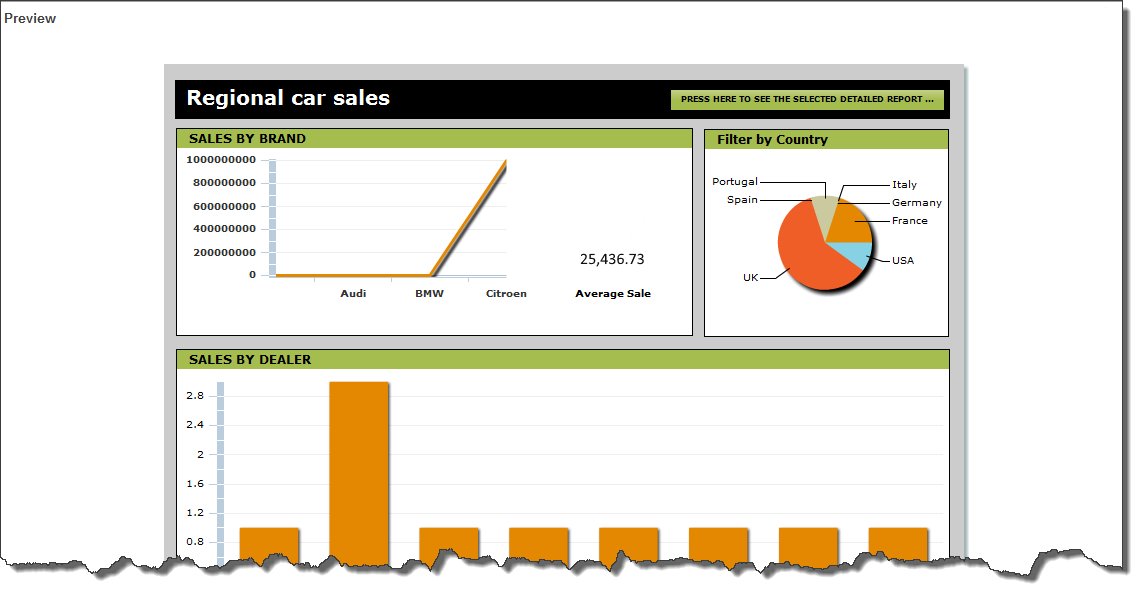 2. Close the browser tab in which the preview opened. |
See also: Deploying Your Report
Return to: Adding Objects to Your Report, Designing a Report

