
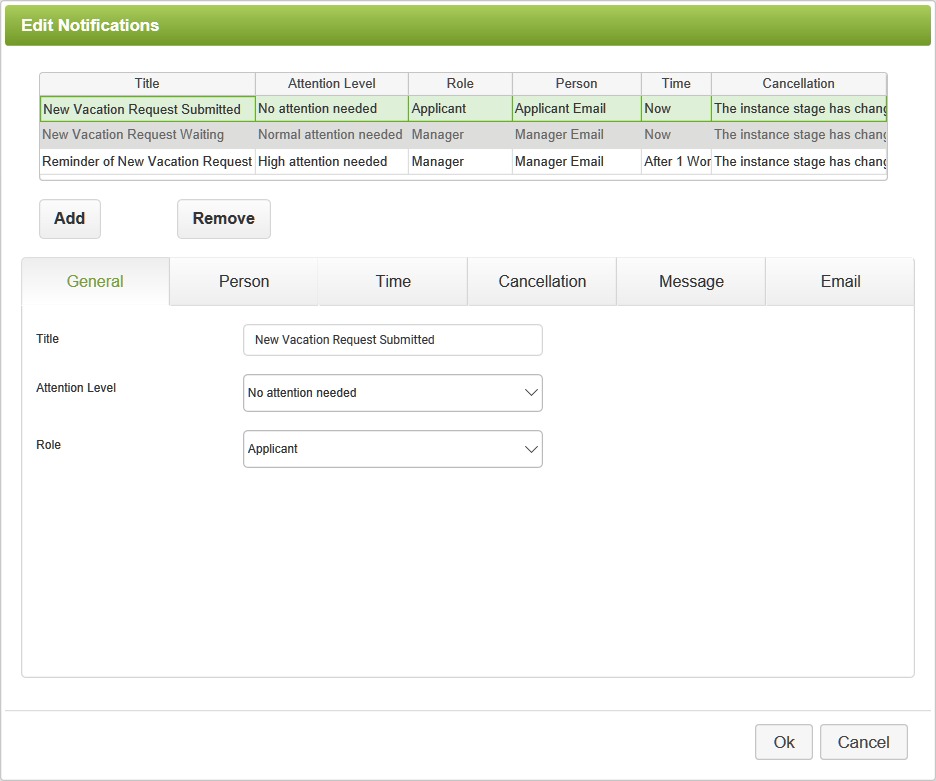
The General tab controls the main properties of the Notify command. Options on this tab include:
•Title - Appears on the Dashboard for this notification and gives the general subject matter of the notification.
•Attention Level - Anything other than No Attention Needed will ensure that the notification appears on the Attention Needed section of the Dashboard. It will also appear in the color-coded bar to indicate the urgency level of this app.
•Role - Always specify the role if possible. This will be used to determine who receives the notification and to control that person's access to different fields or pages of the app.
See also: Notify Command - Person Tab
Return to: Setting Notifications, Reminders, Escalations, Designing an App

