
This feature is offered for an additional charge CLICK HERE to inquire.
An Advanced CSS Editor is a new tool for technically proficient users who require granular control over their app's appearance for specific, pre-defined object types.
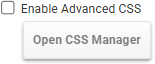 |
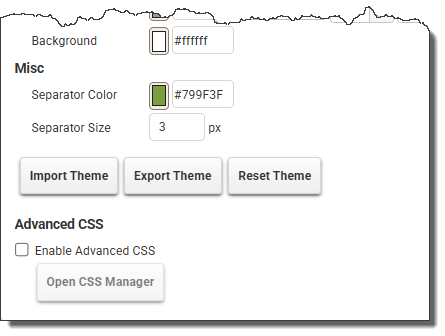
To use the Advanced CSS Editor, click the Enable Advanced CSS checkbox and click the Open CSS Manager button. |
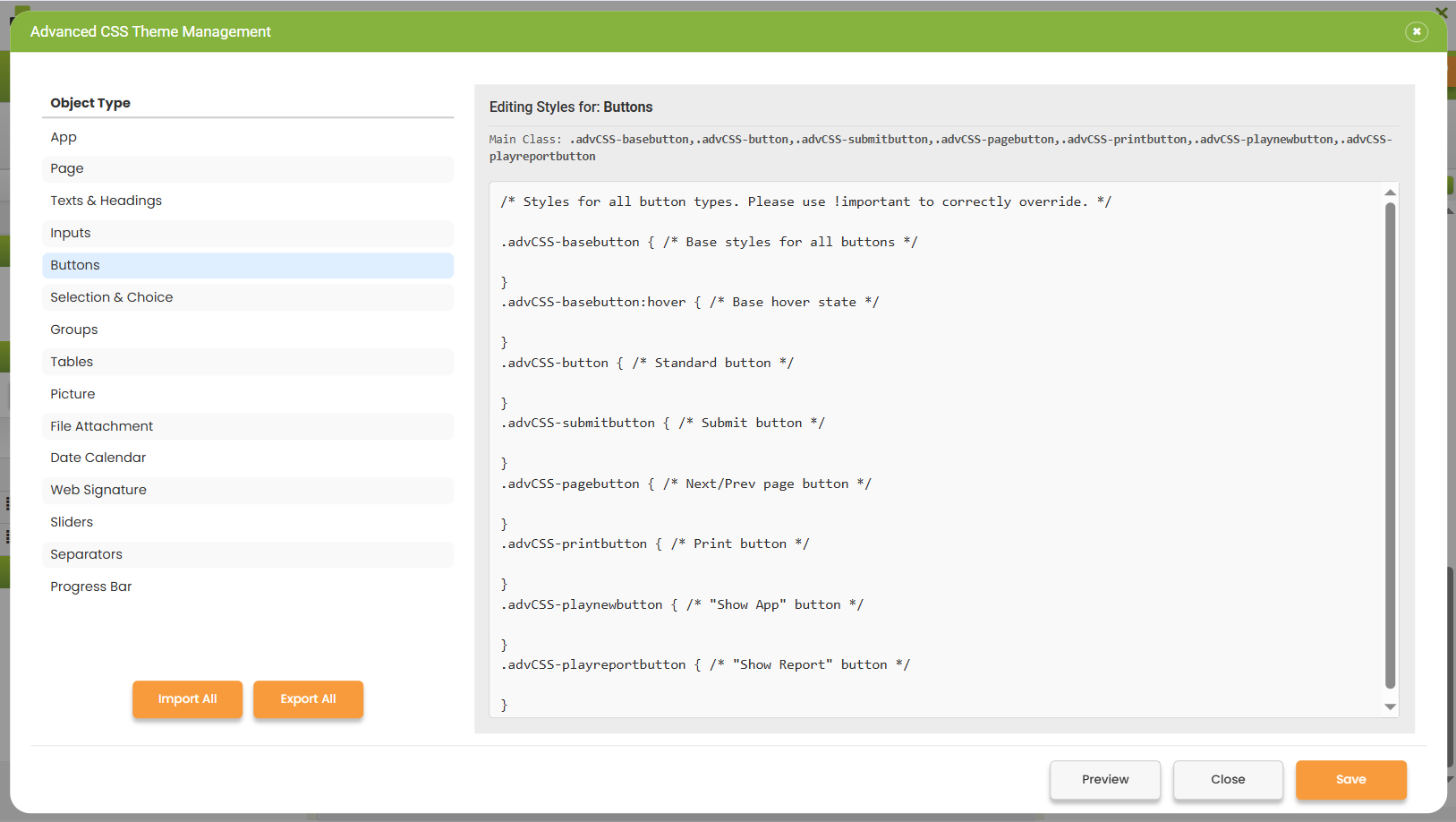
The left panel will display a list of all app object types.
The right panel will display a code editor.
Select an object type (e.g., "Tables", "Buttons"), and the editor provides a scoped CSS block where rules can be written that target that specific object type. These styles will take precedence over the active app style.
 |
The Advanced CSS Theme Manager provides placeholder CSS rules, but they are not mandatory or the only ones. Using the classes provided for each group type, the user can add additional CSS rules. |
|
All CSS rules are valid; it is the user's responsibility to decide how they are used. |
|
The .pa file is proprietary, and modifying it with a text editor is not supported. |
 |
It is essential to use !important after every CSS property to ensure they take precedence over other styles. Without this, the results may vary. |
 |
Clicking the Import All button opens a file browser for the user to select a previously exported advanced CSS .pa file. Before proceeding a confirmation dialog will appear. |
 |
Clicking the Export All button generates and initiates a browser download of a single advanced CSS .pa file. This file will contain a concatenation of the CSS from every object type that has custom styling defined.
|
 |
Clicking the Preview button will initiate a preview of the app with the current styles applied.
|
 |
Clicking the Close button will close the Advanced CSS Theme Management window without saving any changes.
|
 |
Clicking the Save button saves any changes to the Advanced CSS Theme without closing the window.
|
See: Modifying App Styles
Return to: Importing, Exporting and Resetting an App Theme, Applying or Resetting an App Theme, Laying Out an App

