
App Themes can be exported from and imported into other apps in the same or different accounts, saving time and maintaining consistency across apps.
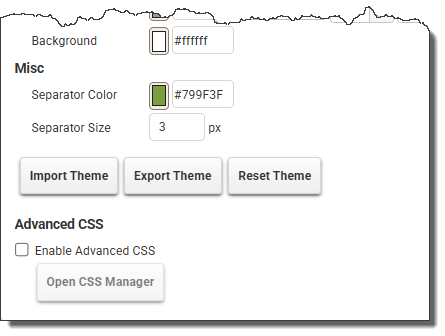
Use the buttons available in the App Theme tab:
 |
Use the Import Theme button to select and import a previously saved (.pa) theme into an app. This will override all current theme settings. |
 |
Use the Export Theme button to export the app’s (.pa) theme and save it in a convenient location. |
 |
Use the Reset Theme button to reset the current app’s theme back to its default settings. This will override all current theme settings. |
See also: Advanced CSS Editor
Return to: Laying Out an App, Designing an App

